VPN for Windows: private, secure browsing on your PC
One app protects every connection your PC makes, at home and on public Wi-Fi.
Encrypts your traffic between your PC and our servers
Kill switch stops traffic if the protected connection drops
Hides your IP address from the sites you visit
3 days of Premium. No credit card needed.
Works on Windows 10 (22H2) and Windows 11, 64-bit.
Available now on iPhone and iPad and Android.

See the app
RedGuard VPN on your PC.
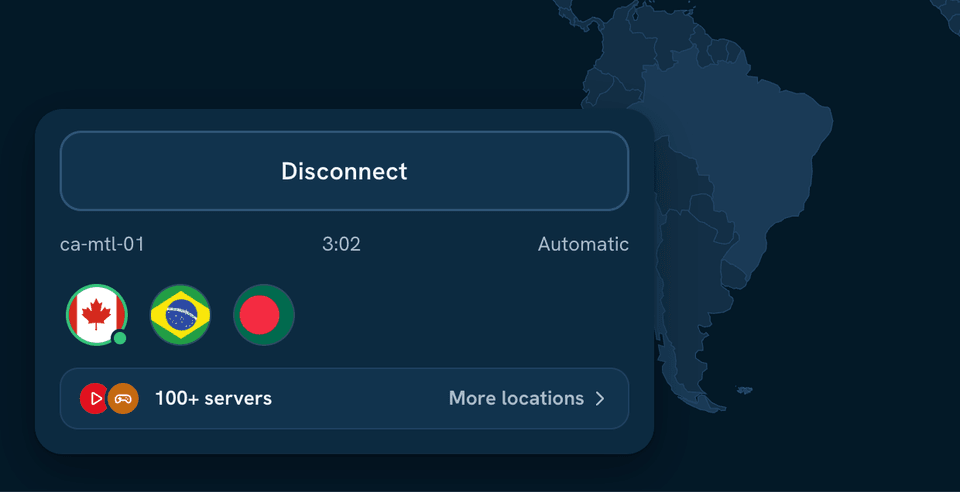
Built for Windows
The protection that matters, simple to use.

Strong encryption
Every connection your computer makes is encrypted.

Kill switch
Traffic stops if the protected connection drops.

Auto-connect
Protection switches on when you join an unknown network.

Every location on Premium
Pick from all the countries on the server list.

No-logs policy
One policy for every app and every plan.

One account, 10 devices
Use the same Premium account on your phone too.

Safe on public Wi-Fi
Café, hotel and airport networks, protected.

Help when you need it
Setup guides and a support team to contact.
What to expect
RedGuard VPN for Windows is coming soon. Here is what it will do.
One-click connect from the taskbar
Kill switch and auto-connect on unknown Wi-Fi
Start with Windows
The same account as your phone
Available now on iPhone and iPad and Android.
Questions about this app
When will this app be available?
We are building it now. This page shows the download as soon as the app is ready.
Will my account work on it?
Yes. One RedGuard VPN account works on every app, so your plan carries over.
How can I stay protected in the meantime?
Use RedGuard VPN on your iPhone, iPad or Android phone today. Premium covers up to 10 devices at the same time.
Private, encrypted browsing on every device
Start with Premium for 3 days. No credit card needed.
3 days of Premium. No credit card needed.