المقاهي والفنادق والمطارات مفتوحة للجميع. هكذا تحافظ على خصوصية اتصالك.
Why public Wi-Fi is risky
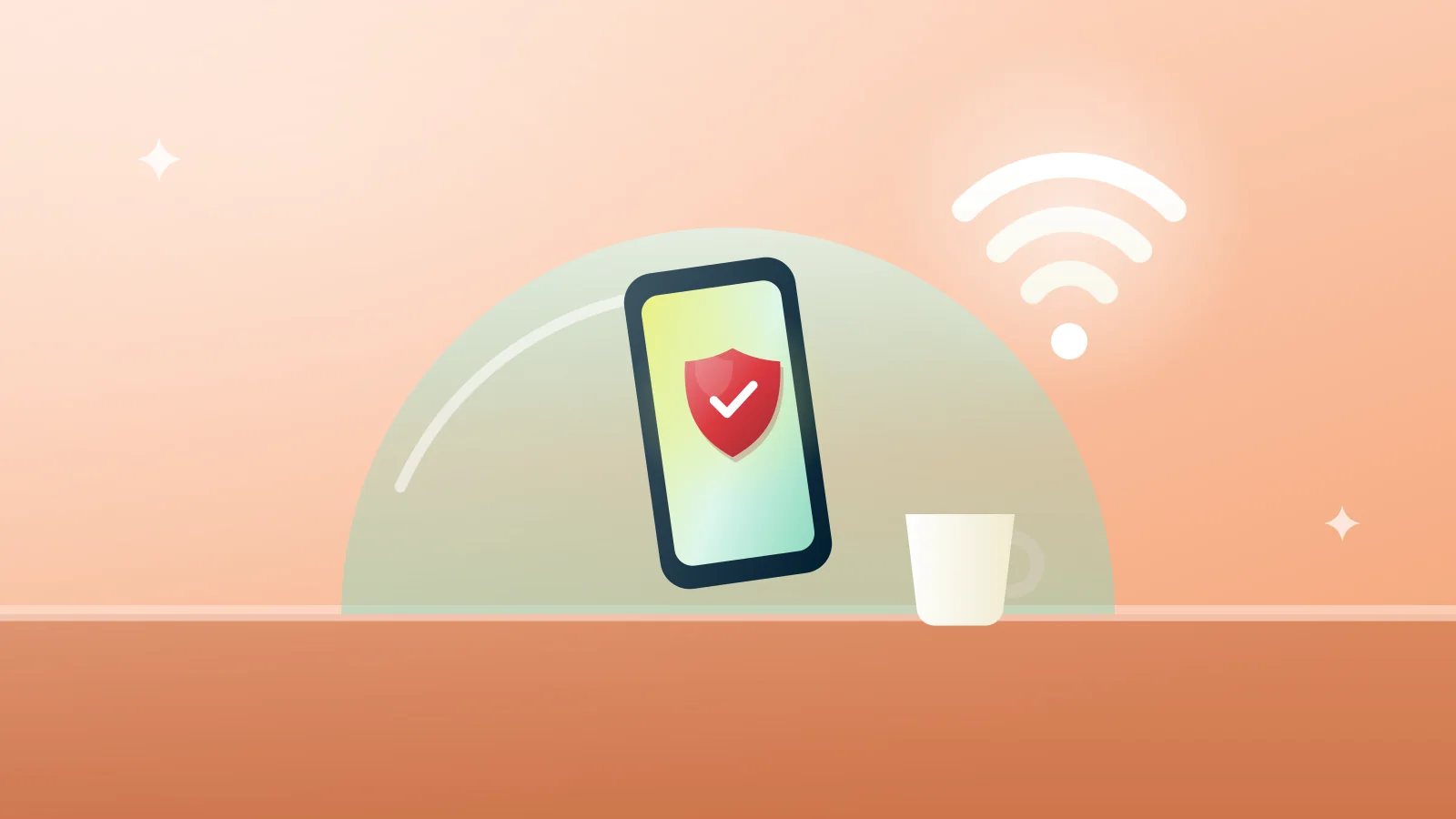
On an open network, other people share the same connection as you. Some networks are set up to look like the real one. Without protection, what you send can be seen or changed on the way.
Five habits that help
- Ask staff for the exact network name before you join
- Turn on a VPN before you browse, or let auto-connect do it
- Prefer sites that show the padlock in the address bar
- Turn off file sharing and automatic joining of open networks
- Keep your phone and laptop up to date
Sign-in pages
Many hotel and airport networks show a sign-in page first. Complete it, then connect your VPN. If pages stop loading, see Websites stop loading while connected.
The short version
Check the network, connect the VPN, then browse. Public Wi-Fi protection is included on the Free plan too.